Five workflows.
Each with its own story.
Lead syncing, team reporting, and article publishing built in n8n. Explore each workflow separately, with close-up screenshots of its key steps and an explanation of how it works.
 n8n workflow
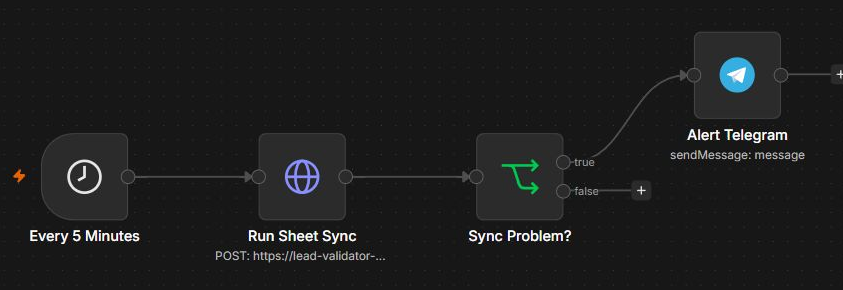
Meta Leads – Sheet to CRM
Scheduled lead syncing, with a clear exception path.
Explore the workflow ↗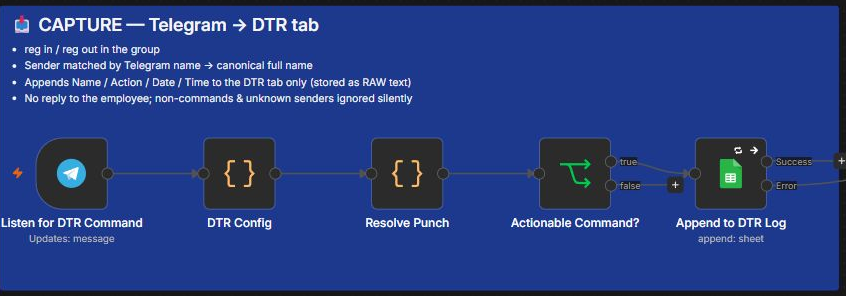 n8n workflow
DTR – Marketing Team
Capture time reports. Reconcile the sheet. Flag missing entries.
Explore the workflow ↗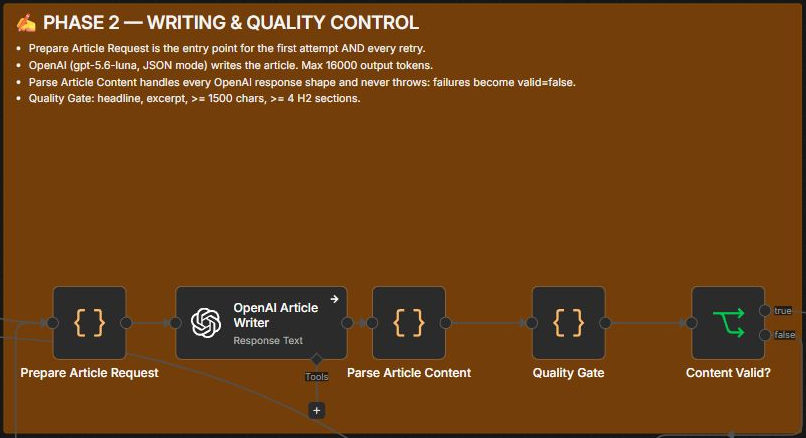 n8n workflow
Nightmares Stream – Article Automation
Movie research and publishing, with quality checks and recovery.
Explore the workflow ↗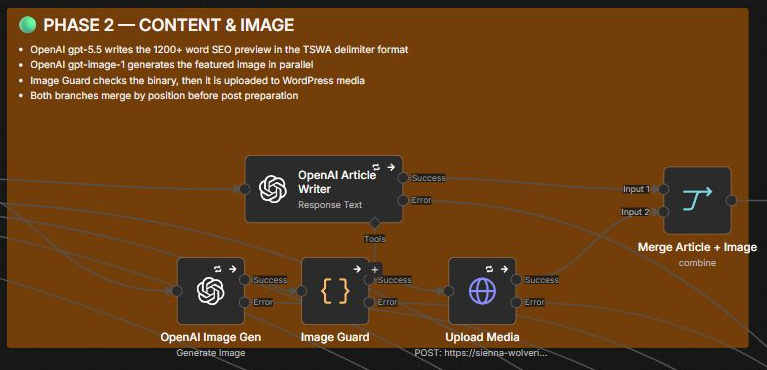 n8n workflow
The Sports Watchlist – Article Automation
Prepare an article and its image in parallel, then publish.
Explore the workflow ↗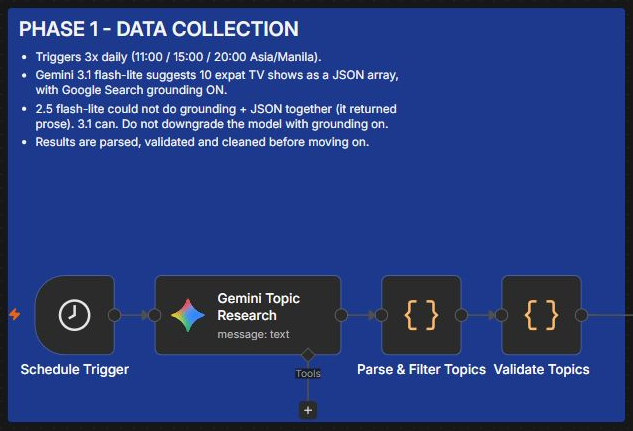 n8n workflow
The Global Remote – Article Automation
Research topics, filter existing posts, and control publishing.
Explore the workflow ↗
Follow one lead through the workflow.
Choose a scenario, then walk through the decisions. This browser simulation uses fictional records and sends nothing to n8n, a CRM, Google Sheets, or Telegram.
A sample inquiry arrives
A fictional website submission supplies a lead ID and the kind of help requested.
Lead SAMPLE-104 · Website inquiry · Fictional recordThe real Meta Leads workflow schedules a sync-service request and routes failures to Telegram. The form, sample records, and duplicate-handling logic here are explanatory examples, not a replay or verification of private execution results.